
Thanks to the modern internet, it’s possible to connect from just about any location on
the planet. In many cases, however, doing so effectively means relying on public Wi-Fi.
These are the small networks that are so often found in public-facing businesses, like
restaurants and hotels, and in airport lounges.
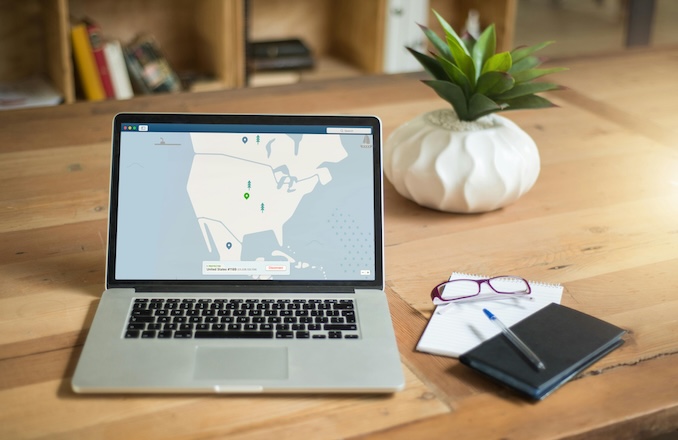
When using a laptop on the road, these networks can be incredibly convenient but come
with major security risks. Whether you’re using public Wi-Fi to book your next
accommodation, editing content or working on the move its important to take a few
sensible precautions when it comes to your data security. Let’s take a closer look at what
these might amount to.
Understand the Hidden Risks of Public Wi Fi
In many cases, the whole purpose of a public Wi-Fi network is that anyone can connect
to it. This is what makes them convenient – but it’s also what makes them insecure.
Cybercriminals can access the same network and trick you into sending them data. Or,
they might set up networks of their own, and then intercept every packet you send or
receive. Using a laptop to send work emails or store more sensitive data makes it an
attractive target for attackers. Can you really be sure that the network you’re connecting
to is the one advertised on the board in a cafe, or might it merely be one with the same
name and password?
Verify the Network Before Connecting
Be sure to clarify the name of the network, and to watch out for networks that are
slightly misspelt. You might also set up your device so that it doesn’t automatically
connect to available free networks. One of the dangers of joining a malicious access
point is that you might not always realise that you’ve done it.
Use Secure Tools and Safe Browsing Habits
Encryption is one of the best ways to protect your data. If you’re logging on to
HTTPS-equipped websites, complete with a little padlock symbol in the address bar, then
you’ll enjoy a level of protection. A Virtual Private Network (VPN) offers similar security
by creating a private, encrypted tunnel between your device and the server you’re
connecting to. For travellers using laptops, whether for work, entertainment or planning,
a tor browser is another strong option. It routes your traffic through multiple layers of
encryption, helping protect your privacy when using hotel, café, or airport Wi-Fi.
Avoid Sensitive Transactions on Unsecured Networks
Certain online interactions are more sensitive than others. These should be reserved for
those moments when you can be certain that the connection is secure. If you need to
check your bank account, then it might be safer to use your mobile data, even if the
signal isn’t perfect.
